MelodyShare
All the features.
Your listening, receipts, and mixtapes. Here’s what’s included.
Your listening
- Recent and all-time
- Switch between two views of your music library.
- Songs, albums, artists
- See your most-played music in each category.
- A little perspective
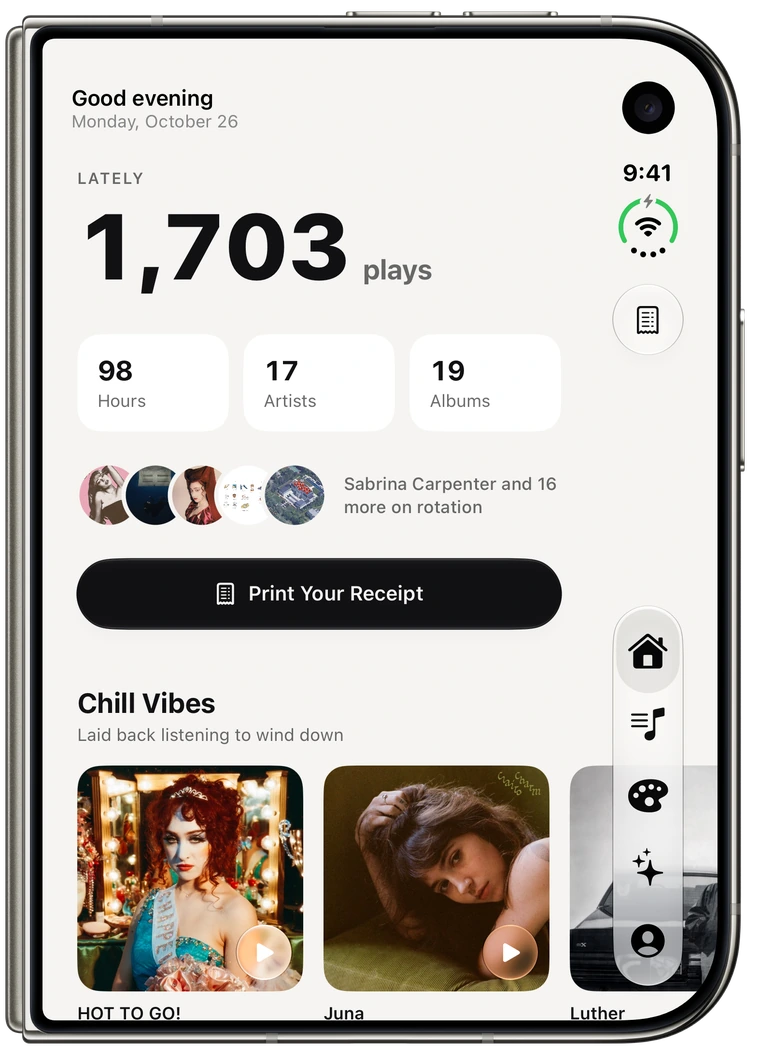
- Your play count, listening time, and the artists and albums in your rotation.
- Album and artist pages
- Open the artwork, explore tracks, and start a preview when available.
Music receipts
- Three kinds of receipt
- Print your top songs, albums, or artists.
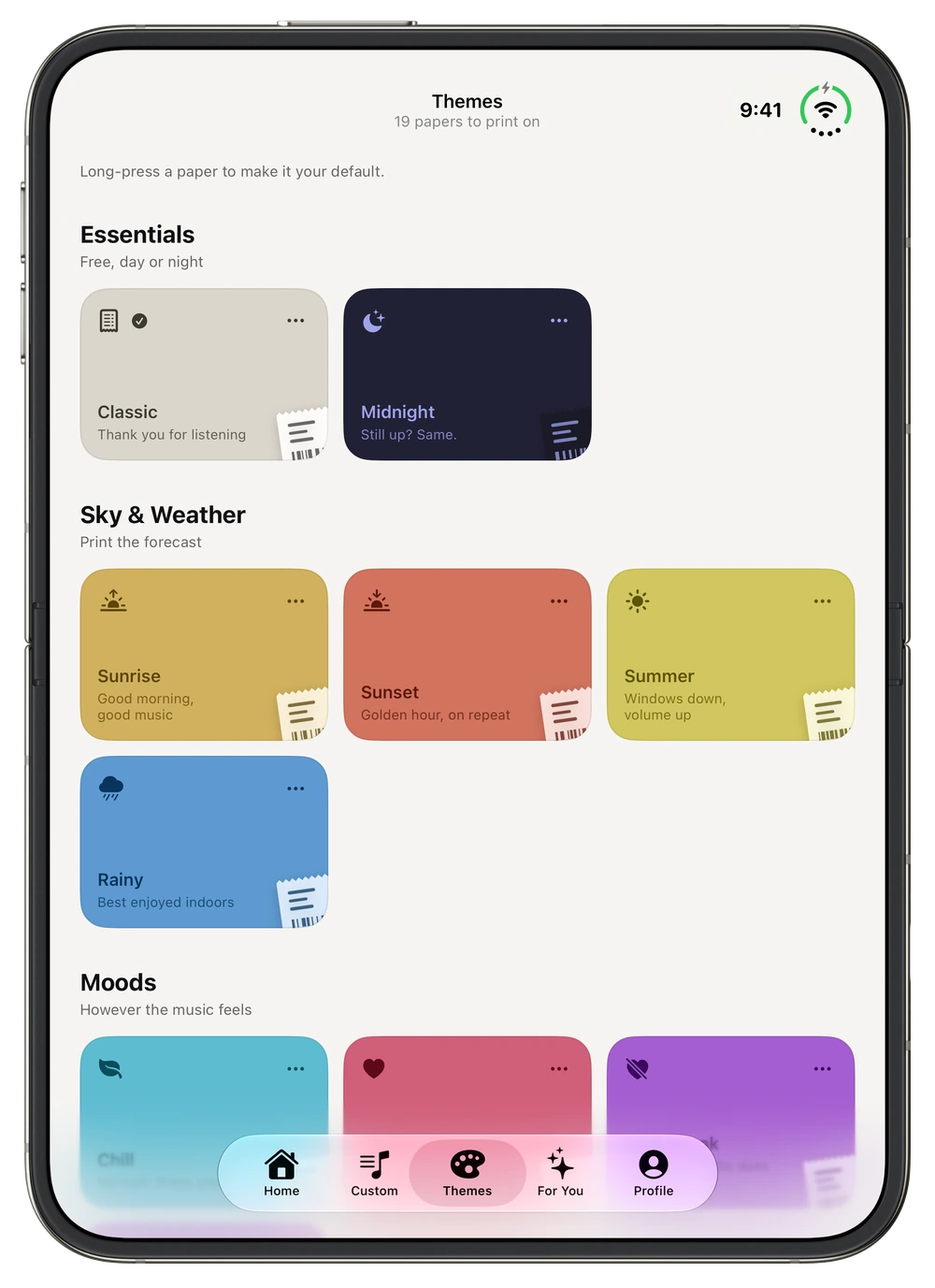
- Classic and Midnight
- Two papers included for free, with up to 10 lines.
- Make it yours
- Choose your list, listening range, line count, and paper in the editor.
- Save or share
- Export the receipt image through the iOS share sheet.
Custom mixtapes
- Choose the songs
- Search Apple Music or start with your recent listening.
- Put them in order
- Arrange your tracks and give the receipt a title.
- Start with a mood
- Title suggestions for a road trip, workout, study session, and more.
- Print the mix
- Use the same papers and sharing tools as your listening receipts.
Apple Music
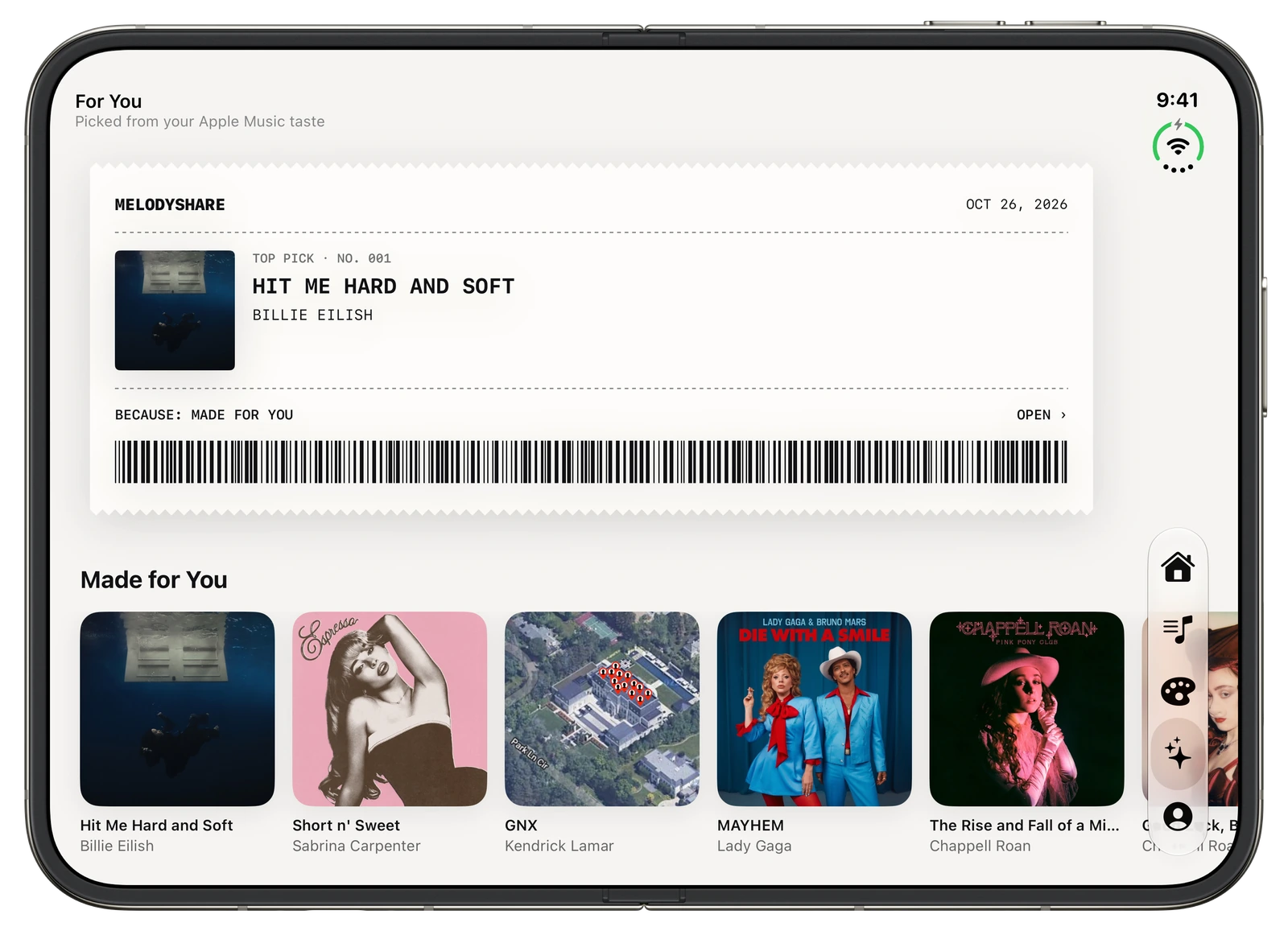
- For You
- Personal recommendations and suggestions inspired by recent listening, without a MelodyShare+ requirement.
- Catalog search
- Find a song when you already know what belongs on the mix.
- Previews
- Hear an available preview before adding a track.
- Your permission
- You decide whether MelodyShare can read your music library. Some Apple services need an Apple Music subscription.
Made for iPhone
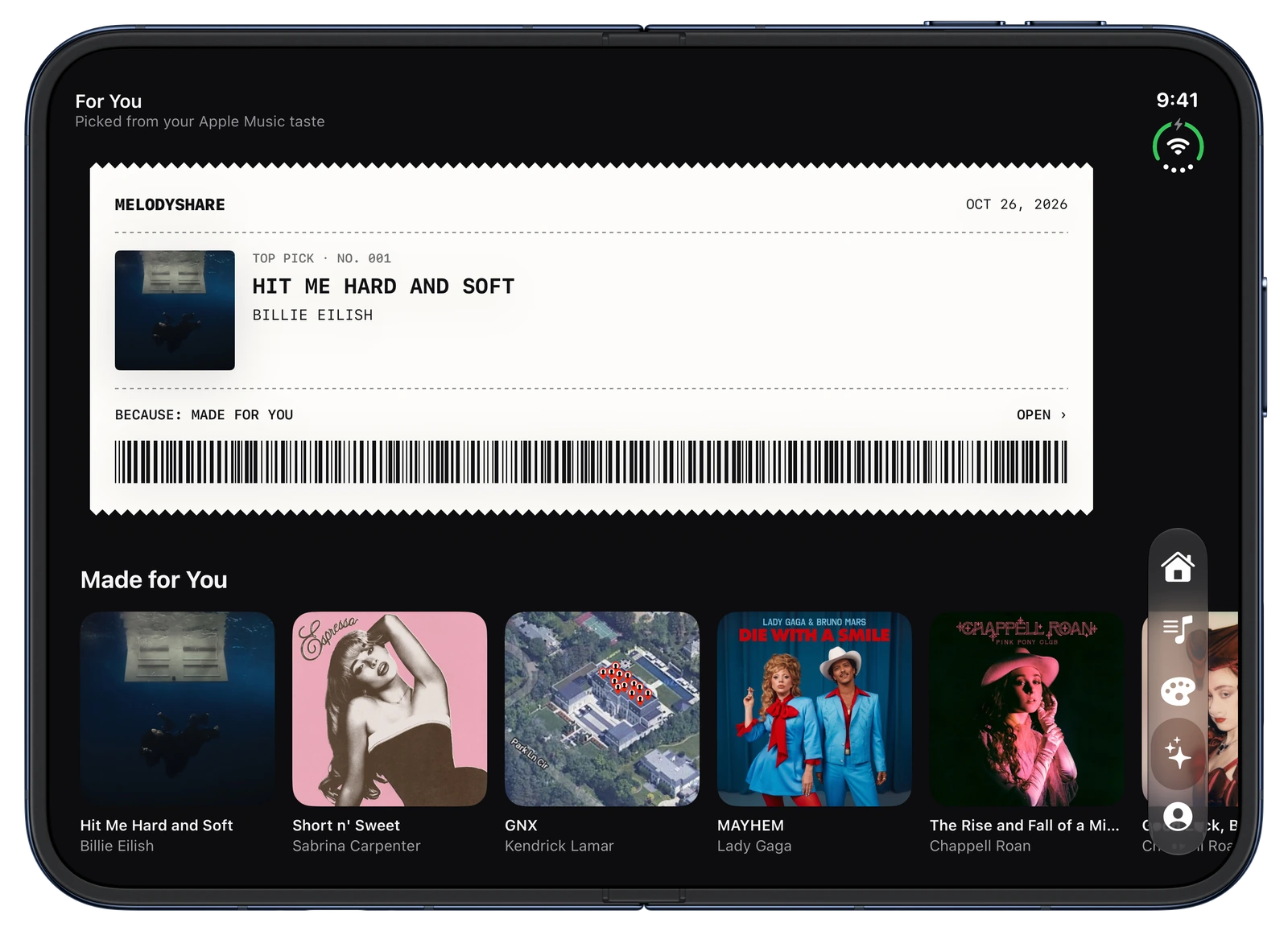
- iPhone Duo
- Wider music shelves, three-column papers, and album and artist headers that keep artwork beside the details in wide windows.
- Your appearance
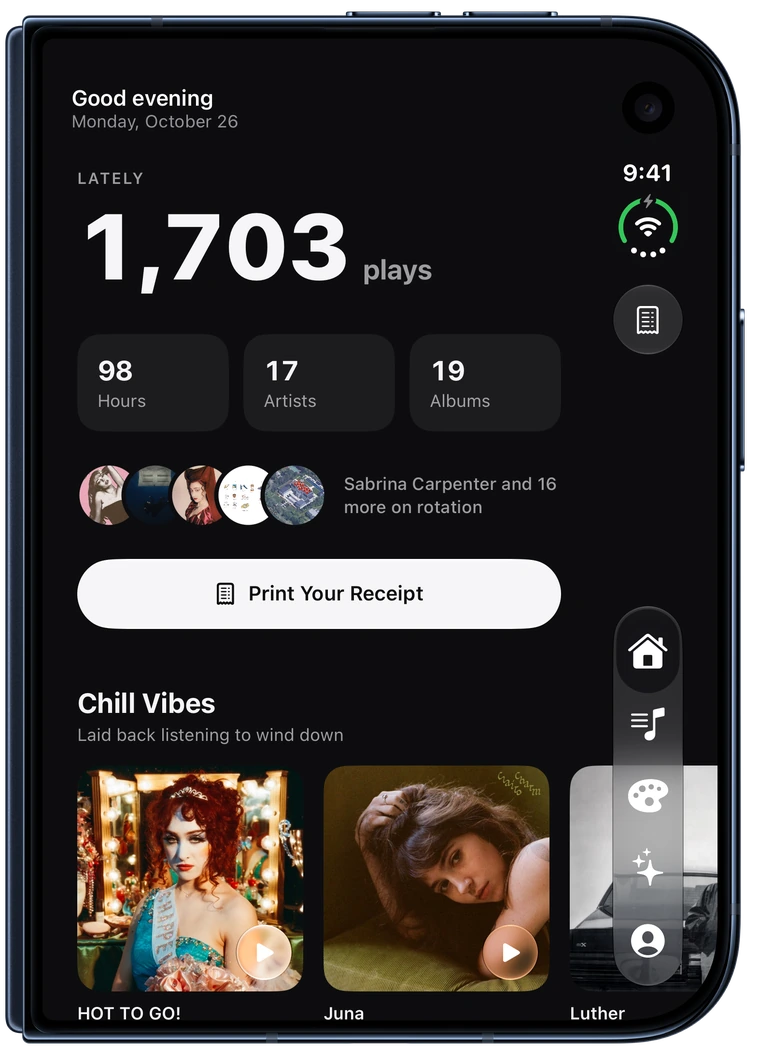
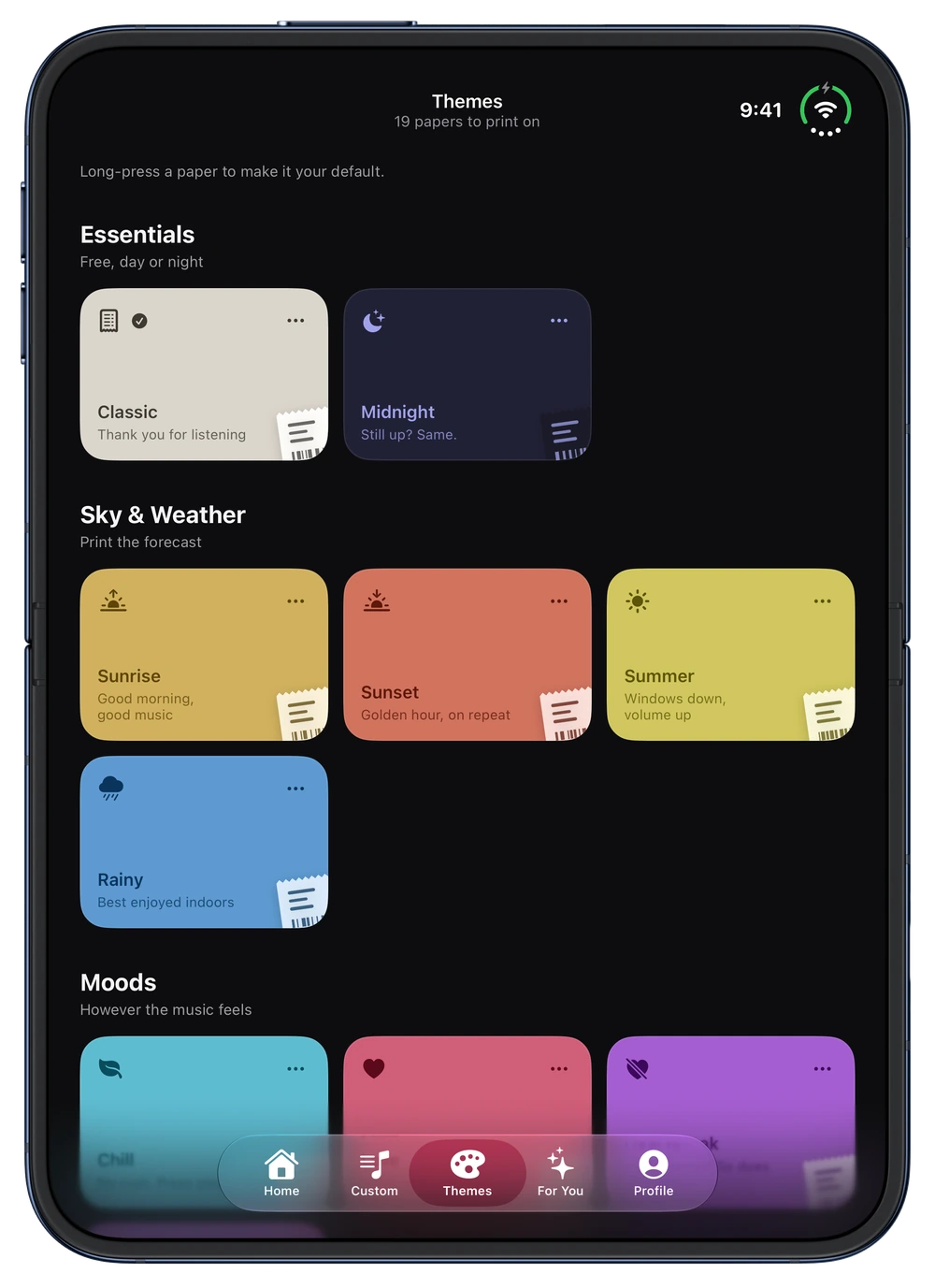
- System, Light, and Dark choices in Profile.
- Larger Text
- The interface follows Dynamic Type. Exported receipts keep a fixed print layout.
- On your device
- The native app keeps listening history and artwork caches on your iPhone.
- No extra account
- Connect Apple Music without creating a MelodyShare account.
MelodyShare on iPhone Duo
Open it up on iPhone Duo.
Your papers, mixtapes, and favorite music. Open up a little more of everything.
Explore iPhone Duo